Alerts
Overview
The Alerts section of the Redtrust admin console lets you configure certificate usage and expiration alerts, which can be sent via email. To use these alerting features, a Simple Mail Transfer Protocol (SMTP) service that supports Transport Layer Security (TLS) must be accessible.
Alert creation wizard
The admin console offers a wizard to add new alerts to the system. This wizard is under Alerts > New. In the wizard, define the alert type, along with the certificates, events, and recipients it applies to.
In the dialog box, you can configure the following options:
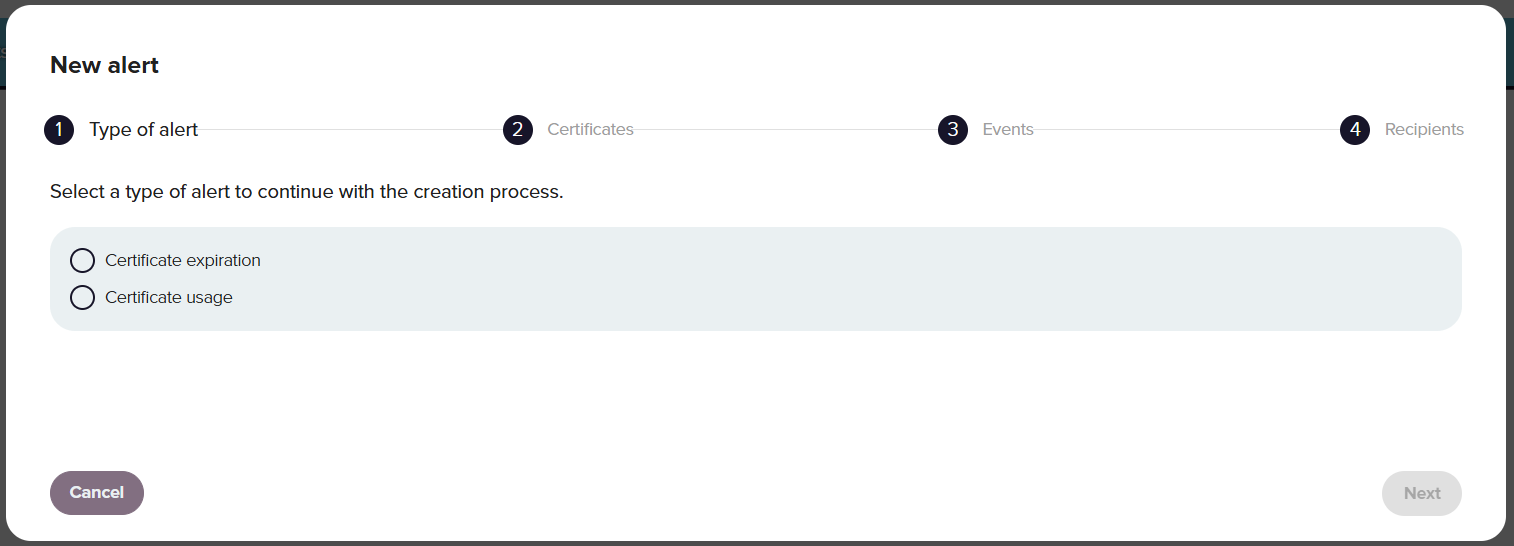
1. Type of alert
Certificate expiration: The alert is triggered when the configured conditions for certificate expiration are met, which may happen before the actual expiration date.
Certificates usage: The alert is executed when a certificate is used and the configured requirements are met.
2. Certificates
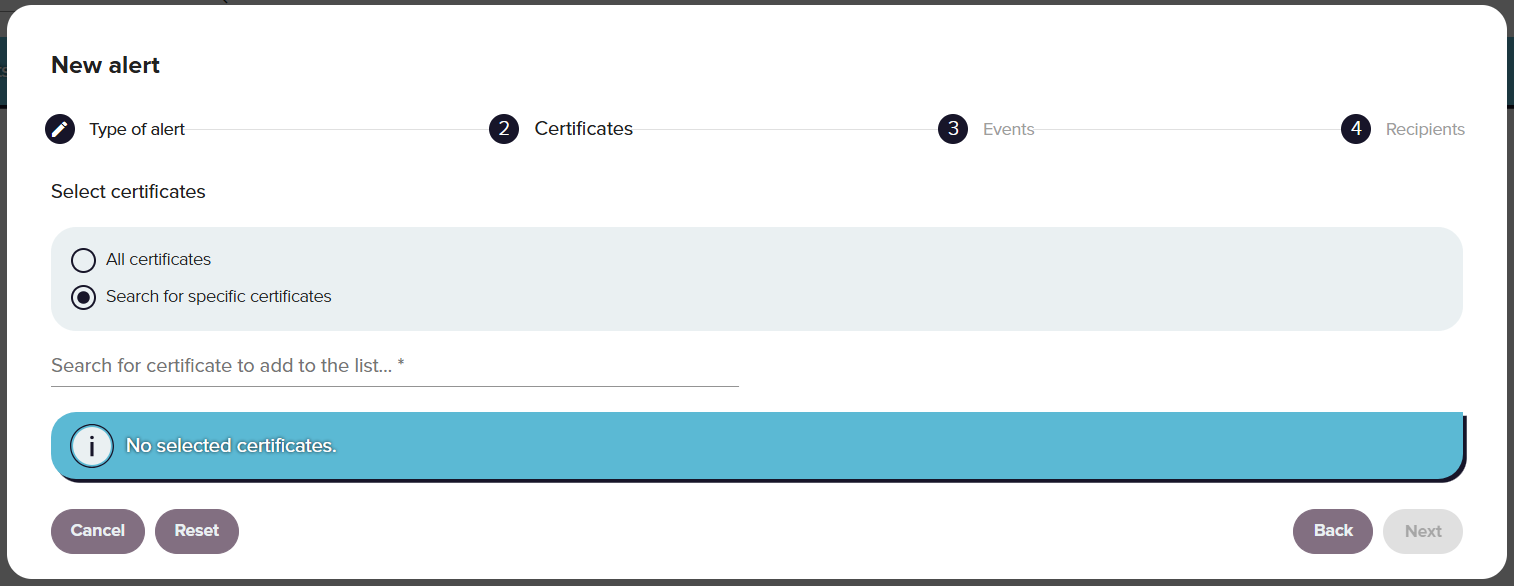
This section specifies the certificates affected by this alert. You can define All certificates or search and add the certificates one by one.
3. Events
This section outlines the conditions under which an alert will be send, based on the selection made in the first step.
-
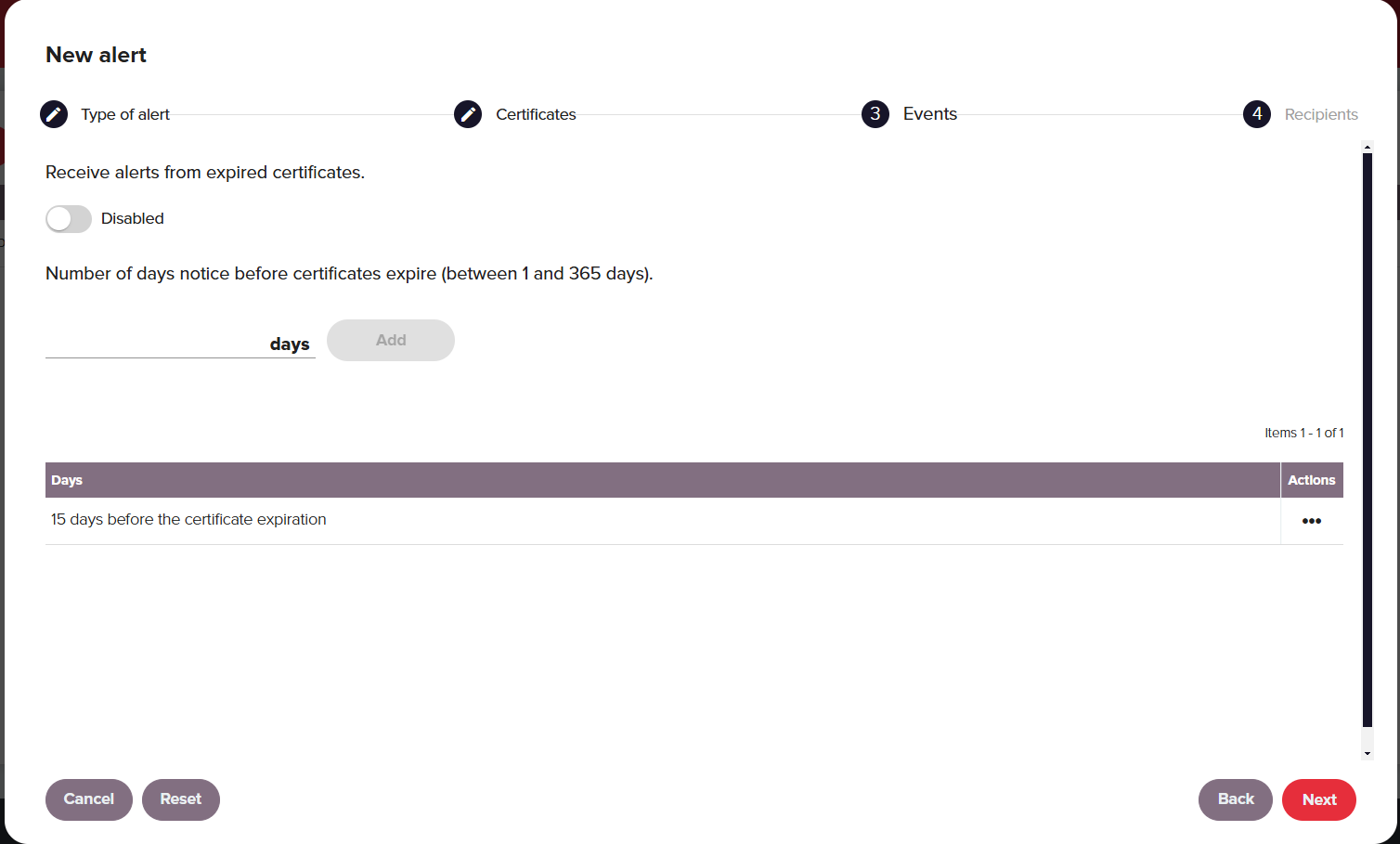
To configure certificate expiration alerts, you have the following options:
-
Number of days notice: Specifies the number of days in advance to receive a notification before the certificate expires. You can set multiple notice periods if needed.
-
Receive alerts from expired certificates: It determines whether you will receive alerts when a certificate expires.
-
-
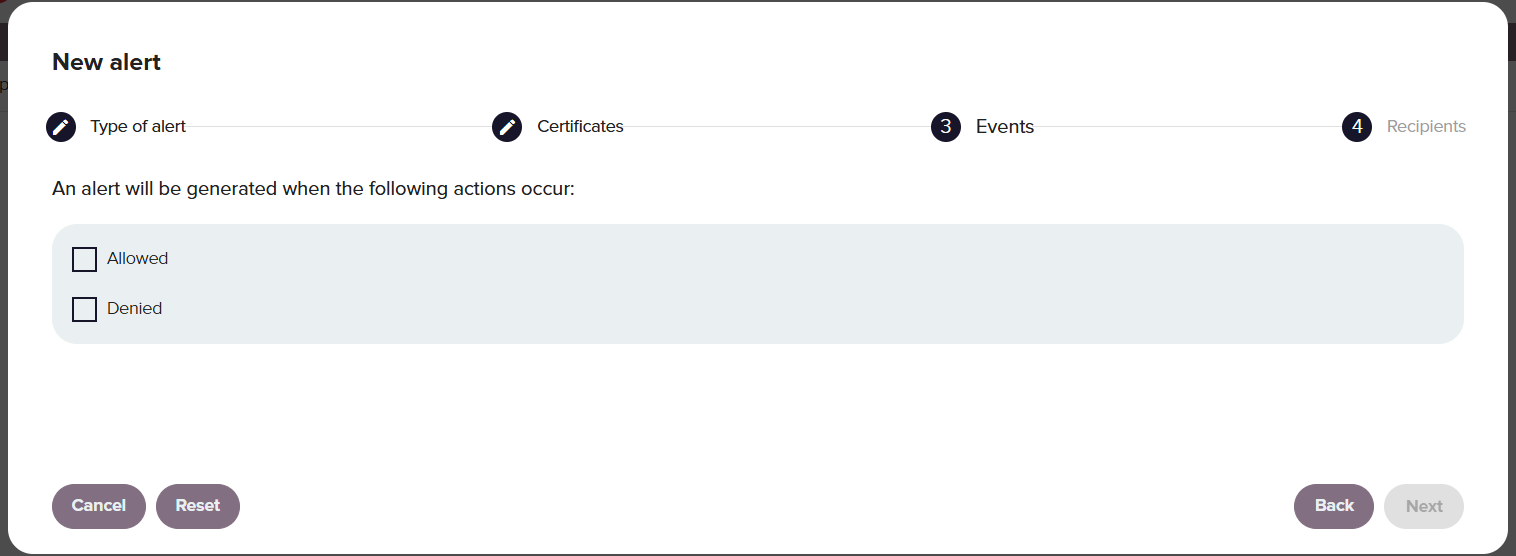
To configure certificate usage alerts, select whether you want to get notified when the certificate usage is allowed, denied or both.
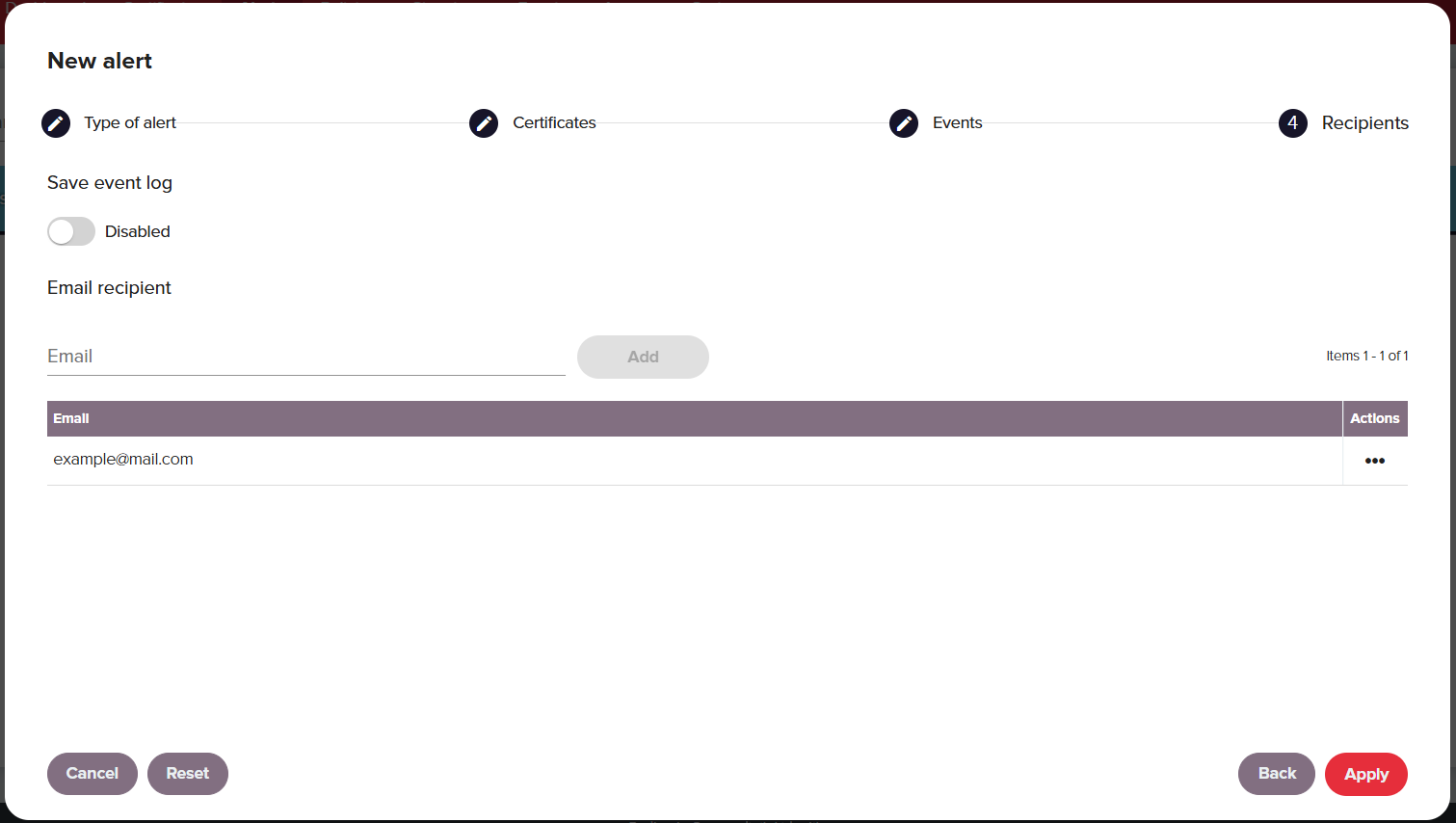
4. Recipients
You can configure the email address to which you will receive notifications. For expiration alerts, you can choose to store an event log in the system.
Alert management
To view and edit an alert double-click the certificate's row. From the view dialog box you can modify the all the above characteristics.
A user with the correct permissions can also delete alerts by clicking ⋯ in the alert's row.
You can also delete individual or multiple certificates by selecting the checkbox next to the certificate or on the table header. This action will always require confirmation.
Was this page helpful?